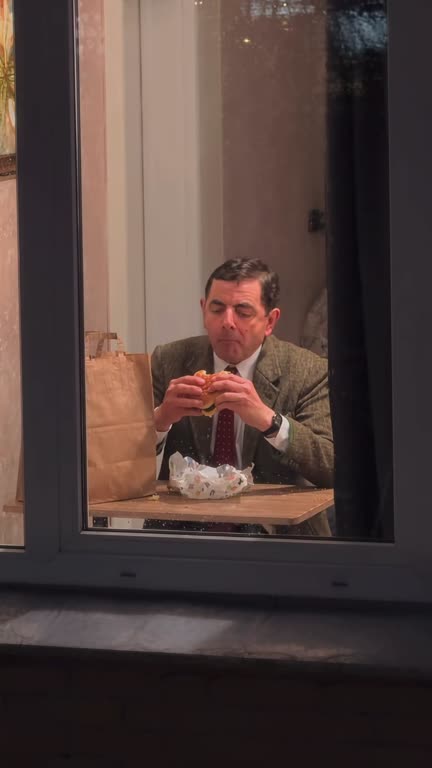
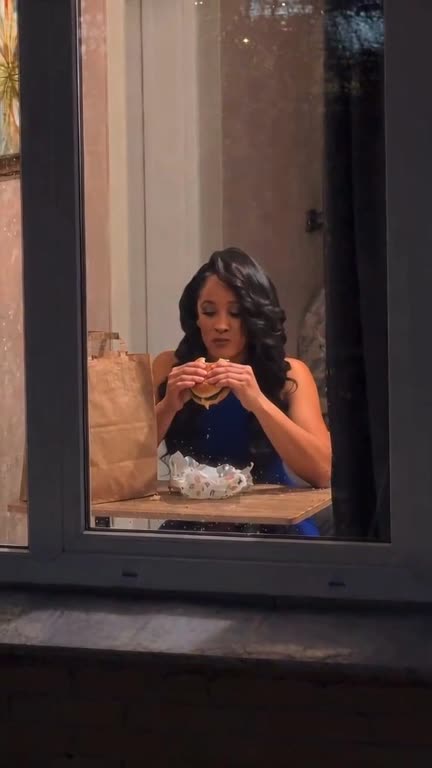
Steps
- Upload one photo of yourself in the generator above: face sharp, looking at the camera, head and shoulders or more. For your dog or cat, choose "Pet version" first.
- Keep "Apartment (original)" and "Burger (original)" for the classic version, or pick another room and food. You can also type a place or a food in a few words.
- Choose 480p (10 credits) for a first try or 720p (20 credits) for posting.
- Generate and wait a few minutes. Your clip appears in the preview and in your history.
- Download the 15-second MP4. The trend sound is already in it.
The photo that works
- Look into the lens: the stare is the punchline.
- One person or one pet only. Crop others out first.
- Even light and no beauty filter; your face is small in the first two seconds.
- Show your top and shoulders. Your outfit is copied into the video.
Changing the scene
The room changes what is around you and outside the window: a cafe front, a fast-food place, a diner, an office tower or a dorm. The food changes what you eat and how: pizza and fried chicken by hand, pasta with a fork, noodles and sushi with chopsticks. The push-in, the stare and the curtain stay the same.
Posting it
Post the clip to TikTok, Reels or Shorts as it is. Common tags on the trend are #windowpeeper and #capcutpioneer. Clips are deleted from our storage after 7 days, so keep your download.
Other ways people make it
CapCut templates are free in the app and fast, but they paste your face onto fixed footage and you cannot change the room or the food. Here the whole scene is re-shot with you. Read more: window peeper CapCut template vs AI.